
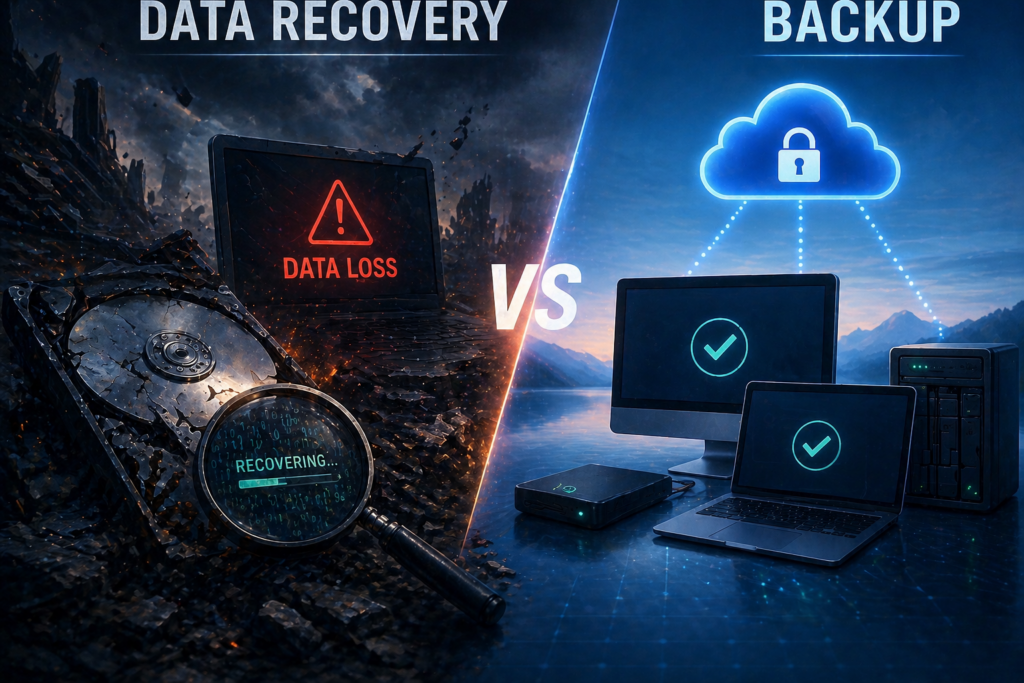
Backup and disaster recovery are used interchangeably all the time — by business owners, by IT vendors who should know better, and occasionally in contracts that promise one while delivering only the other. The distinction matters enormously, and confusing the two is one of the most consequential misunderstandings I encounter in client assessments. Let me be precise about what each term actually means.
What Backup Is — and What It Isn’t
Backup is the process of creating and storing copies of data so it can be restored if the original is lost, corrupted, or deleted. If an employee accidentally deletes a critical folder, a well-configured backup allows you to restore that specific folder from yesterday’s snapshot in minutes. That’s genuinely valuable. Backup solves the data loss problem.
What backup doesn’t solve is the business continuity problem. If your server fails completely, your backup contains your data — but you still have no server to run it on. If ransomware encrypts your file system, your backup may contain clean copies — but restoring them to a compromised environment, after performing a clean rebuild, takes time measured in days. Backup is a necessary component of a resilience strategy. It is not the complete strategy.
What Disaster Recovery Actually Is
Disaster recovery is the broader plan and infrastructure required to restore normal business operations following a catastrophic event — a server failure, a building fire, a flood, or a ransomware attack that renders your environment inoperable. It answers a different question than backup. Backup asks: “Do I have copies of my data?” Disaster recovery asks: “How quickly can my entire business be fully operational again?”
True disaster recovery includes not just the data, but the computing environment: either through physical spare hardware, virtualization, or cloud-based recovery infrastructure. It requires a tested, documented plan. And it requires defined Recovery Time and Recovery Point Objectives that reflect what your business actually needs to survive an extended outage.
RTO and RPO: The Two Numbers That Define Your Risk Tolerance
Recovery Time Objective (RTO) is how long your business can tolerate being fully offline before the consequences become severe. For some businesses, that’s an hour. For others, 24 hours. The answer depends on your business model, revenue dependency on systems, and client commitments.
Recovery Point Objective (RPO) is how much data loss your business can tolerate — expressed as time. If your RPO is 24 hours, you’re accepting that a disaster might cost you up to one day’s worth of data. If your RPO is 4 hours, your backup frequency must match that. Most small businesses, when asked these questions honestly, discover their current backup configuration doesn’t align with what they actually need.
The Fire Drill Test
Here’s the most clarifying question I ask in client assessments: if your server room caught fire right now, and everything in it was destroyed, how long before your team could be fully productive again? If the answer is “I don’t know” or “a few days,” you have backup. You don’t have disaster recovery.
How We Structure Backup and DR for Our Clients
We deploy two primary backup and recovery platforms depending on each client’s requirements. Datto is our choice for clients needing the fastest possible recovery. Datto’s BCDR appliances create frequent local snapshots and replicate to Datto’s cloud. If a server fails, Datto can spin up a virtual instance of that server in minutes — the business continues operating on a virtualized copy while the physical hardware is addressed. For businesses where hours of downtime carries significant revenue impact, Datto is the right answer.
MSP360 is our choice for clients where recovery time can be measured in hours rather than minutes, and where cost is a significant consideration. It provides reliable local and cloud backup at a lower cost structure appropriate for smaller environments.
Why Tested Restores Are Non-Negotiable
A backup you’ve never tested is a backup you don’t actually have. Backup systems can fail silently — a configuration error, a full storage volume, a corrupted backup chain. We test restores for every managed client quarterly and document the results. When we tell a client their data is protected, we’ve verified it. To learn more about backup and disaster recovery for your business, contact us at acmebusiness.com/contact.
When was the last time you tested a backup restore? Let’s find out if your data is actually protected: Contact US

