
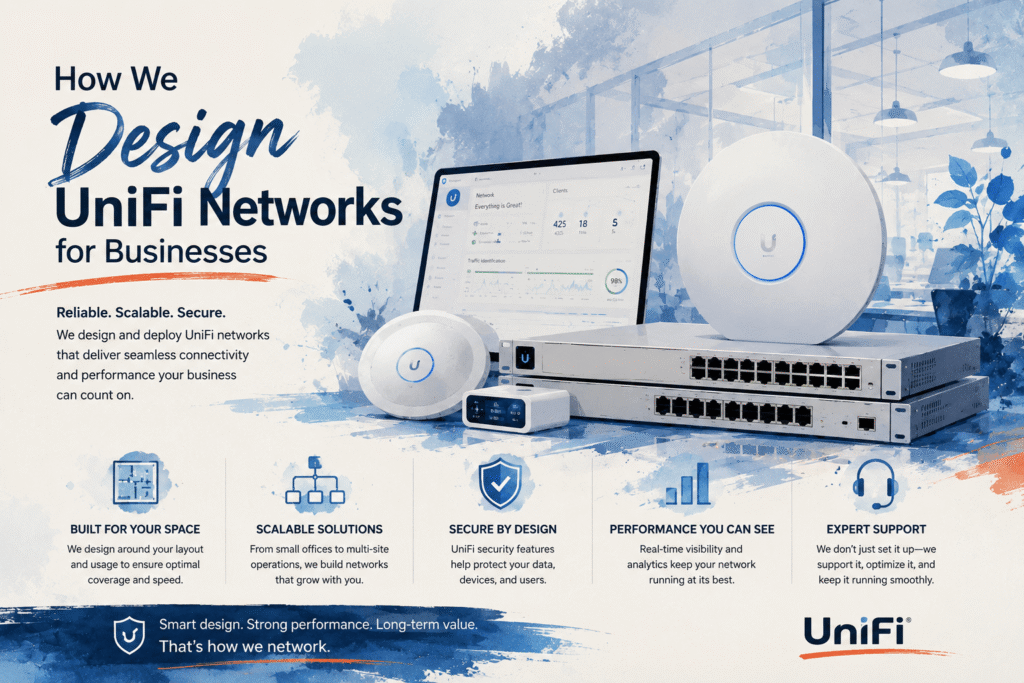
If you’re a business owner in Olean, Salamanca, or anywhere in Western New York evaluating your network infrastructure, you’ve probably come across Ubiquiti’s UniFi product line. Most of the reviews you’ll find online are written by home lab enthusiasts or consumer tech reviewers. This is different. We’re a managed IT provider in Olean, NY that designs and deploys UniFi networks for real businesses, and we’re going to walk through exactly how we do it and why we chose this platform.
Why we standardized on UniFi
We evaluated several enterprise networking platforms before choosing UniFi as our standard for small and mid-size business clients. The contenders included Cisco Meraki, Aruba, and Ruckus. Each has strengths, but for the businesses we serve in Western New York, UniFi won on three factors.
First, cost. Meraki hardware is excellent, but the licensing model requires ongoing subscriptions for the hardware to function. If you miss a renewal, your switches and access points stop working. UniFi hardware operates independently of a subscription. You buy it, you own it, it works.
Second, centralized management. The UniFi Controller gives us a single dashboard to manage every switch, access point, and gateway across every client site. We can see traffic patterns, push firmware updates, and troubleshoot connectivity issues without driving to the location. For an MSP managing dozens of environments, this visibility is essential.
Third, VLAN support. Proper network segmentation is a requirement for PCI compliance, HIPAA, and general security hygiene. UniFi makes VLAN configuration straightforward across both wired and wireless infrastructure, which means we can isolate payment systems, guest WiFi, IoT devices, and business-critical traffic without requiring separate physical networks.
What a typical business network design looks like
Every network we design starts with a site survey. We visit the location and document the physical layout, wall construction, number of users, types of devices, bandwidth requirements, and any existing infrastructure we need to work around. You cannot design a reliable network from a floor plan alone.
A typical Acme network architecture follows this structure: a SonicWall or Fortinet firewall at the perimeter handles threat prevention, deep packet inspection, VPN, and traffic filtering. Behind the firewall, a UniFi aggregation or core switch distributes traffic to access-layer switches on each floor or wing. UniFi access points provide wireless coverage, powered by PoE from the switches, so no separate power runs are needed.
We create a minimum of three VLANs on every business network. A corporate VLAN for business workstations and servers that handles all primary work traffic. A guest VLAN that provides internet access without any path to internal resources. And an IoT or device VLAN for printers, cameras, and any other networked device that doesn’t need access to sensitive data. Businesses that process credit cards get a fourth VLAN dedicated to payment systems, fully isolated from all other traffic.
Common mistakes we see in DIY business networks
The most common problem is a flat network. Every device on the same subnet means a compromised printer or IoT device has a direct path to your file server and payment systems. The second most common problem is consumer WiFi equipment deployed in a commercial environment. Consumer routers and mesh systems are not designed for the density, uptime, or security requirements of a business. They work until they don’t, and when they fail during business hours, you lose money.
We also frequently find businesses with no firmware management. Network equipment firmware that’s two years out of date contains known vulnerabilities that are published and actively exploited. Keeping firmware current is as important for your switches and access points as patching is for your servers.
What UniFi costs for a small business
For a 15 to 25 person office, a complete UniFi network with a SonicWall firewall typically runs between $3,000 and $7,000 in hardware, depending on the number of access points and switch ports needed. There are no ongoing licensing fees for the UniFi equipment. The SonicWall requires an annual security services subscription, which covers threat intelligence, intrusion prevention, and gateway antivirus.
When you factor in the alternative — a Meraki deployment at two to three times the hardware cost plus mandatory annual licensing, or the cost of ongoing downtime and security incidents from consumer-grade equipment — UniFi represents the best value we’ve found for our client base.
Ready for a network that works? We’ll do a free site survey and design a solution for your business. Call (716) 372-1325 or visit acmebusiness.com/contact.

