
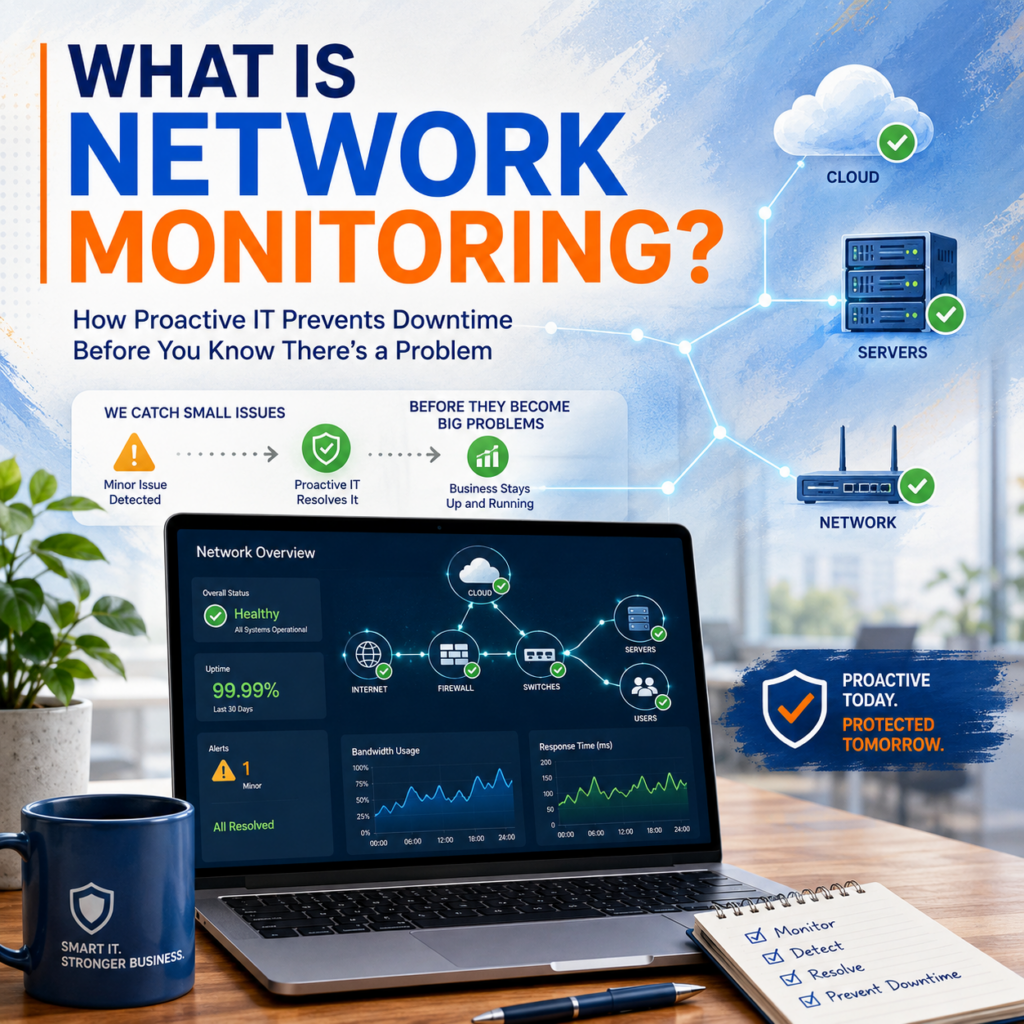
Network monitoring is one of those managed IT capabilities that does its most important work completely invisibly — catching problems before they become outages, replacing the frantic 8 AM discovery that nothing works with a routine maintenance task scheduled for the previous night. It’s the operational foundation of proactive IT management, and it represents one of the sharpest contrasts between a managed IT relationship and a break-fix one.
What Network Monitoring Actually Covers
Network monitoring is a category of tools and practices that continuously observe the health and performance of your IT infrastructure, generating alerts when something deviates from normal operating parameters. In practice, what we monitor for every managed client includes:
- Firewall health and connectivity: Is your firewall online and processing traffic normally? Are there active threat events flagged by SonicWall’s threat intelligence that require review?
- Switch port status: Are all network ports functioning? Are any showing error rates or flapping behavior that indicates failing hardware or a cabling issue?
- Wireless access point status: Are all access points online and serving clients? Are there coverage gaps or performance issues affecting wireless-dependent users?
- Server health: CPU load, memory utilization, disk space approaching capacity, disk health via SMART data, and the status of critical services that must be running.
- Backup success and failure: Did last night’s backup complete successfully? Were there any errors or warnings? When was the last confirmed successful restore verification?
- Endpoint health: Are all managed endpoint devices online and checking in? Are any showing security alerts from SentinelOne that require triage?
- Bandwidth utilization: Is any device or user segment consuming unusual bandwidth that might indicate a security event, a rogue application, or an infrastructure limitation that needs addressing?
- Internet circuit health: Is the connection up? What is the current latency and packet loss to key external destinations?
The Reactive vs. Proactive Gap
Without monitoring, IT support is entirely reactive: something fails or degrades, someone on your team notices, someone calls for help, the problem gets addressed. The interval between when the problem starts and when it’s addressed can be minutes if the failure is obvious and immediate — or days if it’s a gradual degradation, a silent failure in a background system, or something that only manifests when a specific action is attempted.
With monitoring, that interval collapses toward zero for the categories of issues that monitoring detects. The alert fires at 11 PM when the condition first appears. An engineer reviews it the same evening or early the next morning. The fix happens before business hours resume, before any employee’s workflow is affected.
Predictive vs. Reactive Failure Detection
Some monitoring alerts are reactive — they fire when something has already failed. These are valuable because they minimize response time after an event and ensure it doesn’t sit unaddressed.
The more powerful monitoring capabilities are predictive — they detect indicators of impending failure before the failure occurs. Hard drives report health data through the SMART protocol for weeks or months before they fail completely. Disk space approaches a critical threshold gradually, not suddenly. Memory utilization trends toward exhaustion in a pattern that has warning stages. Battery backup systems show degraded capacity before they fail to protect equipment during a power event.
Predictive monitoring converts emergencies into planned maintenance. A hard drive identified as failing weeks before failure becomes a scheduled replacement during off-hours, costing the client nothing in downtime. Without monitoring, that same drive becomes an unplanned outage on an arbitrary morning — followed by an emergency service call, potentially a data recovery conversation, and a disrupted workday.
Why Small Businesses Need This Capability
There’s sometimes a perception that network monitoring is an enterprise capability — something for large organizations with dedicated IT operations centers. The opposite is true in terms of where the value is highest. Enterprise organizations have redundant systems, larger teams to absorb disruption, and more resources to recover from failures. Small businesses are, in many ways, more vulnerable to the downtime that proactive monitoring prevents. They have thinner margins, less staffing redundancy, and clients who notice when service is interrupted.
The cost of monitoring as a component of a managed IT agreement is modest. The cost of the outages that monitoring prevents is not. For a business where one day of downtime costs more than a year of IT management, the ROI calculation is not complicated. To understand what proactive monitoring looks like for your environment, reach out at Contact Us.

